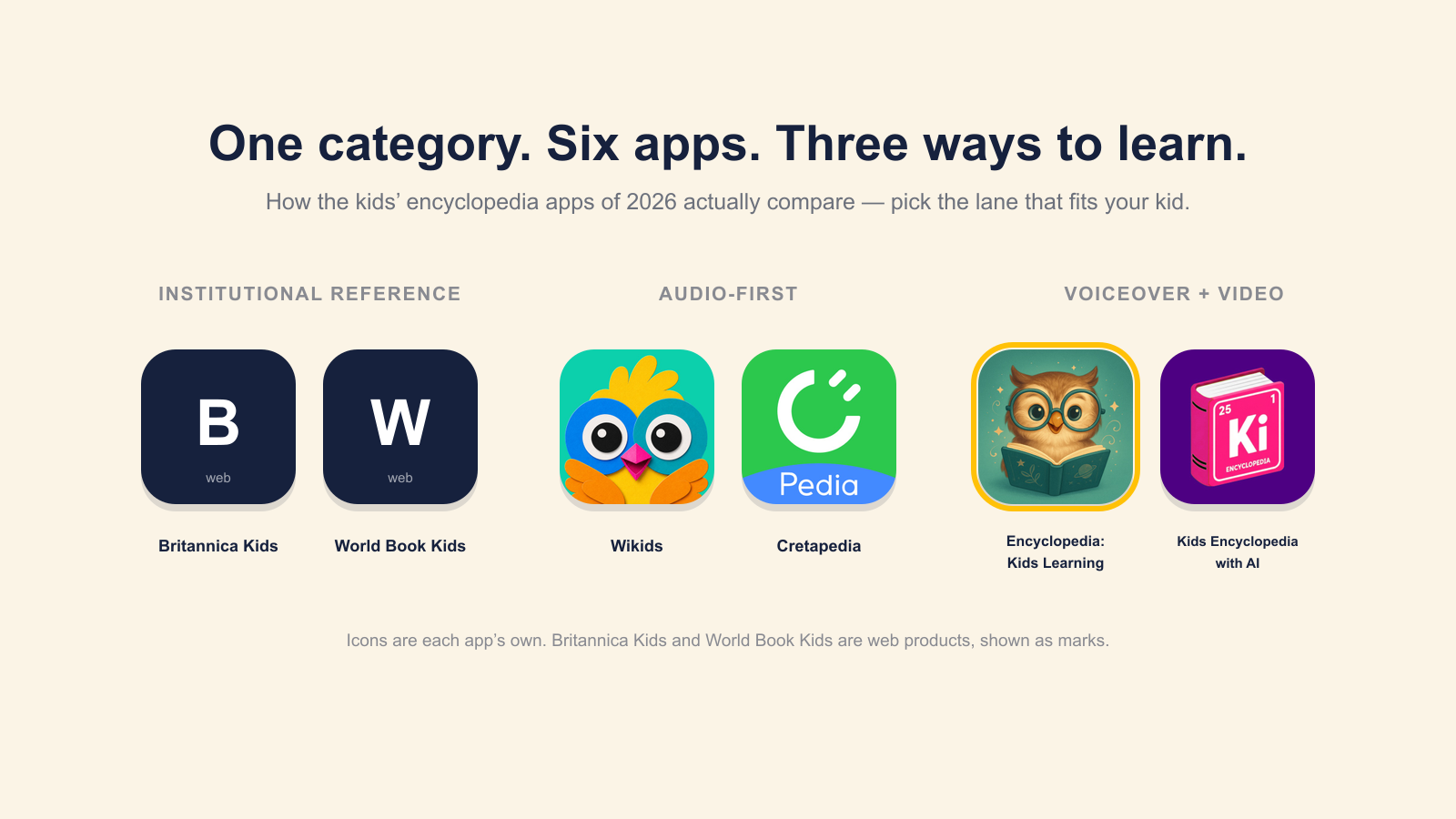
“Best encyclopedia app for kids” used to mean Britannica or World Book, full stop. In 2026 the category has split into something more specific, and most listicles still mix the three different things together. This post is a parent-facing version of the comparison: what each shipping app is, what it does well, where it fails, and how to pick.
What an encyclopedia app for kids 5–12 needs to do
Before comparing products, the criteria. Most apps in the category fail at least one of these, and the failure is usually the thing that makes a kid stop opening it.
Ad-free without asterisks. A “free version with ads” or “ad-free as part of the subscription upsell” both fail. The category’s audience is children. Ads served alongside reading content interrupt the reading rhythm at exactly the wrong moments.
No personal data sold. COPPA and GDPR-K are the floor. The thing to look for is plain-English specificity: which fields are collected, what’s done with them, what’s not done with them. Vague “we care about your privacy” copy is usually a tell.
Voice that respects the reader. Kids notice tone immediately. Apps that talk down (“Ready, super-explorer? Let’s discover!”) get closed. Apps that read the way a competent adult would explain something to an interested child get reopened.
A topic page that’s actually a topic page. Some apps treat each “topic” as a 3-sentence card with a stock photo. Others treat it as 400 words of real text plus voiceover plus a paired video. The difference is the difference between a curiosity-killer and a curiosity-feeder.
Short, frequent sessions over long, rare ones. The cognitive-science consensus on retention in young readers (Cepeda et al., 2006, Psychological Bulletin; Dunlosky et al., 2013, Psychological Science in the Public Interest) is that distributed practice beats massed practice by a wide margin. An app that lures kids into 30-minute binges is not necessarily helping them learn more than one that lands a 5-minute habit four times a week.
Bottom line: ad-free, no data sold, respectful tone, real per-topic depth, daily-habit shape. Five boxes. Most apps check two or three.
- Ad-free without asterisks
- No personal data sold
- Voice that respects the reader
- A topic page that’s actually a topic page
- Short, frequent sessions over long, rare ones
The 2026 landscape, honestly sorted
Aggregator lists tend to lump unrelated products together. The split that matters:
Institutional reference apps. Built around the depth of an established encyclopedia archive, with classroom and library use as the primary distribution channel. Britannica Kids and World Book Kids are the two serious entries. Both have the depth. Both have a UX that shows their institutional origins.
Audio-first apps for early readers. Built around children who are pre-reading or just starting. Wikids and Cretapedia are the most visible. The category does its job well for the 3–7 audience and is outgrown by the time a child reads independently.
Curated reference apps with voiceover and video per topic. A newer category: fewer topics than the institutional archives, but each topic has voiceover narration plus a paired video, so a child can use the app fluently before they can read a Britannica entry. Encyclopedia: Kids Learning is in this group. So is Kids Encyclopedia with AI, though the AI-generation gimmick comes with the usual content-quality variance.
Everything below is focused on the apps that are plausibly useful for an actual 5- to 12-year-old in 2026.
Britannica Kids
The incumbent. Real editorial depth, trustworthy sourcing, an unmatched institutional brand for parents who grew up with the print Britannica. Two main weaknesses for casual home use: a dense, library-database UX that prioritizes finding what you came to look up over discovering what you didn’t know, and a content register written for school-essay support rather than Saturday-afternoon curiosity.
Best for: an older child (9–12) doing research for a school project, or a parent who values the brand’s authority and is willing to tolerate the UX.
Wikids
Audio-first, aimed at 3- to 7-year-olds. The audio-narration approach is the right pedagogy for the audience, because children at that age learn more from listening than from decoding text. The library is small relative to the older-kid apps because it has to be: a 3-year-old doesn’t need a thousand topics, they need a curated 80.
Best for: preschool to early elementary. Outgrown by 7 or 8.
World Book Kids
Closest to Britannica Kids in approach but with a slightly more modern UX. Sold primarily through library partnerships, so home access depends on what your local library subscribes to.
Best for: parents whose library system includes World Book Online and who are happy with library-database aesthetics.
Kids Encyclopedia with AI
The differentiator is right in the name: topic content generated on demand by a language model. The case for is breadth: there’s no editorial bottleneck on which topics exist. The case against is the same case against any AI-generated educational content for children: occasional confidently-wrong facts, no consistent tone, no human curation of what’s important versus what’s filler. Worth knowing exists; worth being careful about.
Institutional reference · school research, ages 9–12
Audio-first · pre-readers, ages 3–7
 WikidsListen-led, curated small library. Outgrown by ~7.
 CretapediaAudio-first science for the same young audience.
Voiceover + video · curious daily readers, ages 5–12
 Encyclopedia: Kids Learning oursRead + listen + watch on every topic. Ad-free.
 Kids Encyclopedia with AIAI-generated topics: broad, but quality varies.
Encyclopedia: Kids Learning
The app we make — so read this with the appropriate skepticism. Every claim below is verifiable from the App Store and Google Play listings. What it is: 1,000+ curated topics across 11 categories, built so a child can use it before they read fluently.
- Read it, hear it, watch it. Every topic has voiceover narration and a paired video — not a stock photo and three sentences.
- Facts that stick. Spaced-repetition flashcards for what’s worth keeping, in short, capped sessions.
- Rewards parents control. A star system you configure and can switch off entirely.
- Ad-free, permanently. Not a subscription upsell, and no personal data sold.
Remember the five boxes from the top of this post, the ones most apps miss two or three of? Here is how this one does against them, point for point:
Encyclopedia: Kids Learning, against the five criteria
- Ad-free without asterisksPermanent ad-free posture, at every tier.
- No personal data soldNever sold, never brokered.
- Voice that respects the readerWritten to explain, not to talk down.
- A real topic pageReal text plus voiceover plus a paired video, every time.
- Short, frequent sessionsCapped flashcard sessions built for a daily habit, not a binge.
Where we’re weaker, honestly: the topic count is far smaller than Britannica’s archive (past a thousand and growing; Britannica’s catalog is many times larger), and we have no classroom-distribution infrastructure. For a school report on a niche subject, Britannica is likelier to have the entry. But for the everyday curiosity-reading an encyclopedia app is actually used for at home, we think the curated read-listen-watch approach earns the screen time better than the institutional alternatives.
Best for: ages 5–12; parents who want a calm daily reading habit with no advertising surface; kids who learn better from listening-plus-reading than from text alone.
How to choose
Pick the product whose theory matches your kid:
- Pre-reader, ages 3–7: Wikids.
- School-report researcher, ages 9–12: Britannica Kids.
- Curious daily reader, ages 5–12: Encyclopedia: Kids Learning.
- Library subscriber: check whether your library has World Book Online before paying for anything else.
Try two, not one. Kids are the best judges of which tone they’ll actually come back to, and the apps complement each other better than any single one replaces the rest.
Sources
- App Store and Google Play listings for all apps named, retrieved 2026-04-15
- Britannica Kids product page: kids.britannica.com